
Системска интеграција: Поврзување на вашата веб-страна со ERP, CRM и плаќањa
· 6 мин. читање
AMS.AL поврзува WordPress, WooCommerce, Business 360°, POK плаќања и AI добавувачи во еден интегриран систем.
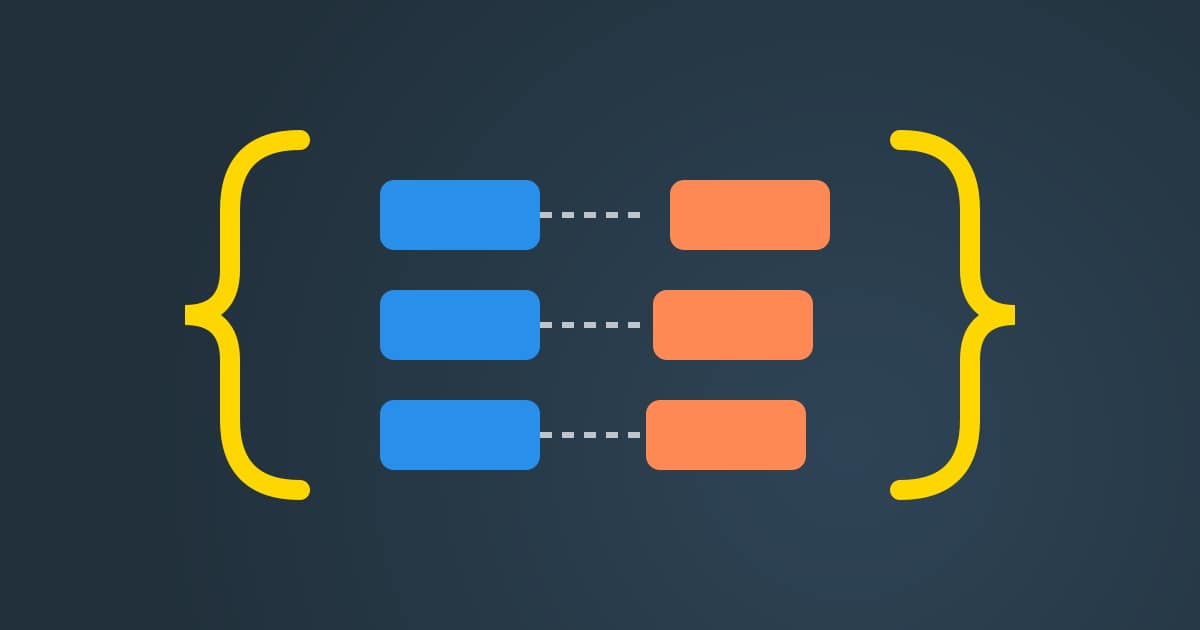
System integration means connecting the tools a business already runs, so they act as one. Connecting your website with the back office is the core of it. Your website takes orders. Your ERP tracks stock and invoices. Your CRM keeps customer history. When these parts stay apart, staff copy the same data again and again, and small mistakes slip through.
AMS.AL connects WordPress, WooCommerce, Business 360°, POK payments, Cloudflare R2 and LLM providers into one unified ecosystem. An order placed on your website can reach the ERP, update the CRM and confirm payments without anyone typing it twice. Each link follows a clear plan your team can read.
What system integration joins together

Think of each tool as a room with its own records. A WordPress site holds pages and forms. WooCommerce holds products, carts and orders. Business 360° holds clients, stock and invoices. POK handles card and wallet payments. Integration builds the doors between these rooms, so the right record moves at the right moment.
Storage and AI are part of the same picture. Cloudflare R2 keeps media files away from the main server, which lightens the load. LLM providers can draft product text, answer common questions or sort leads. They work best when they read real data from the shop and the CRM, not from a pasted copy.
Every connection depends on a clear enterprise application integration pattern. One system is the owner of each record, such as the product price or the client address. Other systems read it or receive updates. This rule stops two tools from fighting over the same field and keeps every report consistent.
Good system integration also decides timing. Some data must move at once, like a paid order. Other data can wait for a quiet hour, like a full product export. Choosing the right timing for each flow keeps the website fast for visitors while the back office stays up to date.
How AMS.AL handles system integration
We start by listing every tool you use and the data each one owns. Then we mark which flows hurt most today. Often it is orders typed into the ERP by hand, or payments checked one by one. We fix the most painful flow first, so you feel the benefit early.
If the front end needs work, our team can rebuild it as part of the same project through our website development service. A clean checkout and clear forms make every later connection simpler, because the data arrives complete and in the right format from the start.
For the back office we often connect stores to the Business 360 operations platform. Orders, clients and invoices then live in one place, while the shop keeps doing what it does best. POK payment status flows back to the order, so staff see at a glance what is paid.
After launch we watch each flow and keep a log of every sync. If a partner system changes or slows down, the log shows where. We adjust the link, test it again and note the change, so your integration stays healthy as your tools and needs grow.
Separate tools compared with one ecosystem

This table compares a business that runs its tools apart with one that has joined them. It helps you see which daily tasks change most once the main flows are connected.
| Task | Separate tools | Connected ecosystem |
|---|---|---|
| New order | Typed into the ERP by hand | Sent to the ERP at once |
| Payment check | Looked up in each account | POK status on the order |
| Customer view | Split across tools | One record in the CRM |
| Media files | Stored on the main server | Kept in Cloudflare R2 |
System integration checklist
Before we connect anything, these points help us agree on scope. Answering them early keeps the project short and avoids changes in the middle of the build.
- List the tools that store orders, clients and stock
- Choose the owner system for each record
- Mark which flows must happen at once
- Confirm how payments should update orders
- Decide where media and backups will live
- Name a person to receive sync alerts
System integration FAQ
Which tools can AMS.AL connect?
We connect WordPress, WooCommerce, Business 360°, POK payments, Cloudflare R2 and LLM providers. These cover the most common needs of a growing business: a website, a shop, an operations system, local payments, file storage and AI help. If you use another tool with an open interface, we look at it during the audit and tell you plainly how it can fit.
Do I have to replace my current website?
Not always. If your site already runs on WordPress and WooCommerce, we can usually connect it as it is. We only suggest a rebuild when the current setup blocks clean data, for example when forms lose fields or the checkout cannot report payment status. In that case we explain the reason and offer both options before any work starts.
How do payments reach the ERP?
When a customer pays through POK, the payment status returns to the shop order. The order then travels to the ERP with that status attached. Staff see which orders are paid without logging into another account. If a payment fails or waits, the order shows that too, so nobody ships goods before the money is confirmed.
Where does AI fit in an integrated setup?
AI tools work best when they can read real data. Once the shop, the CRM and the ERP are connected, an LLM provider can draft product text from actual stock data or help sort incoming leads. A person still reviews the result. Integration simply gives the AI clean, current information instead of an old export that nobody updates.
Read also: API Development and Integration Architecture for Modern Business Systems · SaaS Architecture and Building Scalable Software Platforms · Every guide in this category
Share the tools you use today, and AMS.AL will send an integration plan with a clear offer for connecting them. Order an integration plan