
Automatic Webhooks: Communication in Real Time Between Business Apps
· 6 min read
Automatic webhooks from AMS.AL trigger instant invoicing, stock updates and CRM lead alerts when an event happens in a connected app.
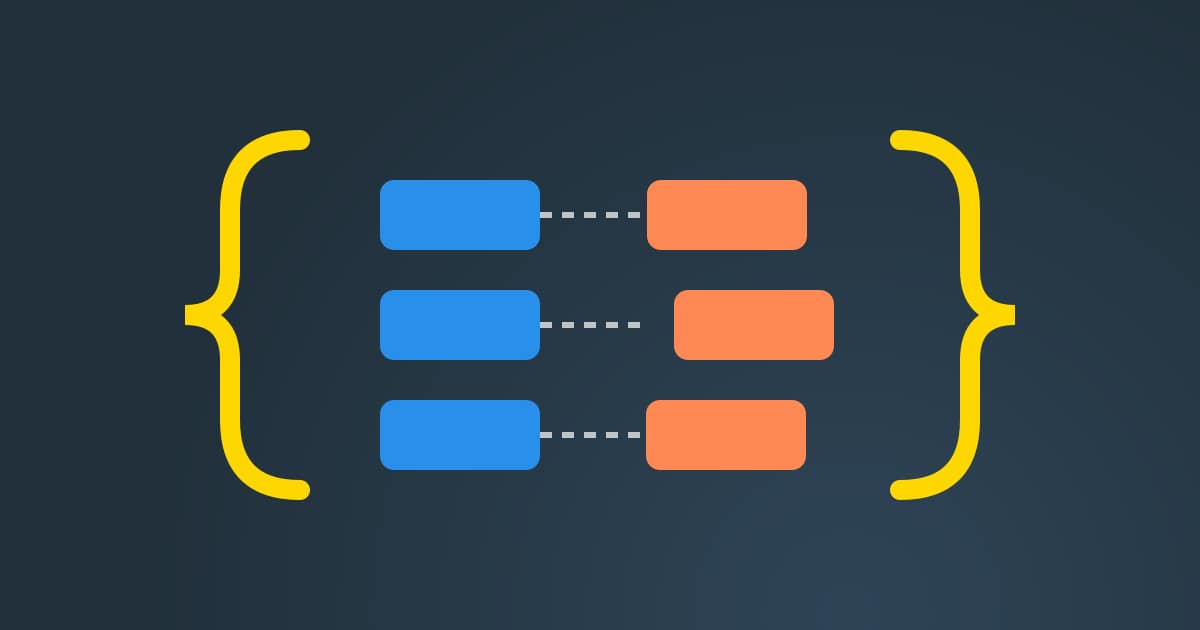
Automatic webhooks give business apps a way to talk in real time. Instead of one system asking another every few minutes whether anything changed, the system where the change happens sends a short message at once. This real-time communication between business apps keeps every tool current without slow, repeated checks that waste server time.
AMS.AL uses event-driven webhooks to trigger instant invoicing, stock updates, and CRM lead alerts across connected platforms. When an order is paid, an invoice can start. When stock moves, the shop learns about it. When a visitor fills a form, the sales team hears about the new lead while it is still warm. That is how automatic webhooks for business apps pay off.
How automatic webhooks work

A webhook is a simple promise between two apps. App A says: when this event happens, I will send a message to this address. App B listens at that address and acts on what arrives. The message usually carries a small piece of data, such as an order number, a product code or a contact email, in a format both sides understand.
The opposite approach is polling. With polling, App B asks App A again and again whether there is news. Most answers are empty, yet each question costs time and server resources. Automatic webhooks turn this around. Nothing travels until there is something worth sending, so updates arrive faster and the servers do less useless work.
This is the core of an event-driven integration architecture. Each important moment in the business becomes an event with a name: order paid, stock changed, lead created. Other apps subscribe to the events they care about. Adding a new tool later means adding a new listener, not rewriting the systems that already work.
Safety is part of the design. A webhook address should accept only messages it can trust, so each message carries a signature that the receiver checks with a shared secret. Messages that fail the check are refused. The receiver also answers quickly and does the heavy work afterwards, so the sender never waits too long.
Finally, a good setup expects failure. Networks drop, and partner systems go offline. When a message cannot be delivered, the sender tries again after a pause, and the receiver ignores a message it has already handled. With these two habits, automatic webhooks stay dependable even on a bad day.
Where AMS.AL uses automatic webhooks
Invoicing is the clearest example. When a customer pays, the payment event reaches the billing system, and the invoice is prepared from the same order lines. Finance reviews it instead of typing it. Customers receive their documents sooner, and the books match the shop.
Stock is the second example. When the warehouse records new goods or a sale, an event updates the shop. Visitors see what is really available, which reduces cancelled orders. If you also need a faster storefront, our team can rebuild it through our website development service so every event starts from clean data.
Leads are the third example. A filled form can create a contact in the CRM and alert the right salesperson at once. For companies that run operations in the business operations platform, these events connect sales, stock and invoices in one place.
Every webhook we build writes a log line when it sends, receives, retries or refuses a message. If something goes wrong, the log shows which event, when and why. That record makes problems quick to find and keeps the whole chain of automatic webhooks easy to trust.
Polling compared with automatic webhooks

This table compares apps that poll each other with apps that use automatic webhooks. It shows how speed, server load and error handling change once events drive the flow.
| Point | Polling | Automatic webhooks |
|---|---|---|
| Speed | Waits for the next check | Arrives when it happens |
| Server load | Many empty requests | Only real events |
| New tools | Rework existing links | Add a new listener |
| Failures | Often unnoticed | Retried and logged |
Automatic webhooks checklist
These points help decide which automatic webhooks your business needs first. Answering them early keeps the work focused on the events that save the most time.
- List the events that matter most to your team
- Choose which app sends each event
- Confirm the data each message must carry
- Agree on a shared secret for signatures
- Decide how often failed messages retry
- Name a person who reads the event log
Automatic webhooks FAQ
What is the difference between an API and a webhook?
An API is a door you knock on when you need something: your app asks and the other app answers. A webhook works the other way. The other app knocks on your door when something happens, without being asked. Most integrations use both, with webhooks for news that must arrive fast and API calls for details that are needed later.
Are automatic webhooks secure?
They are when built carefully. Each message is signed with a secret that only the two apps know, and the receiver refuses any message whose signature does not match. Addresses use encrypted connections, and the data inside is kept to what the receiver really needs. Logs record every refused message, so suspicious traffic is easy to spot and review.
What if the receiving app is down?
The sender keeps the message and tries again after a pause, then again after a longer one. When the receiver comes back, the waiting events arrive in order. Because the receiver remembers which events it has already handled, a message delivered twice is not processed twice, so an invoice or a stock change never happens two times by mistake.
Which events should we automate first?
Start with the events that cause the most manual work or the most mistakes today. For many shops that means paid orders, stock changes and new leads. These three cover money, products and sales. Once they run smoothly, adding more events is simple, because the same pattern of signed messages, quick answers and logged retries is reused each time.
Read also: ERP Synchronization with Your Online Store for Stock and Automatic Invoicing · REST API in WordPress and Business Systems: A Technical Guide · Every guide in this category
Want to learn more about automatic webhooks for your apps? Request a project and AMS.AL will map the events that matter. Software Engineering & API Guides · Request a project